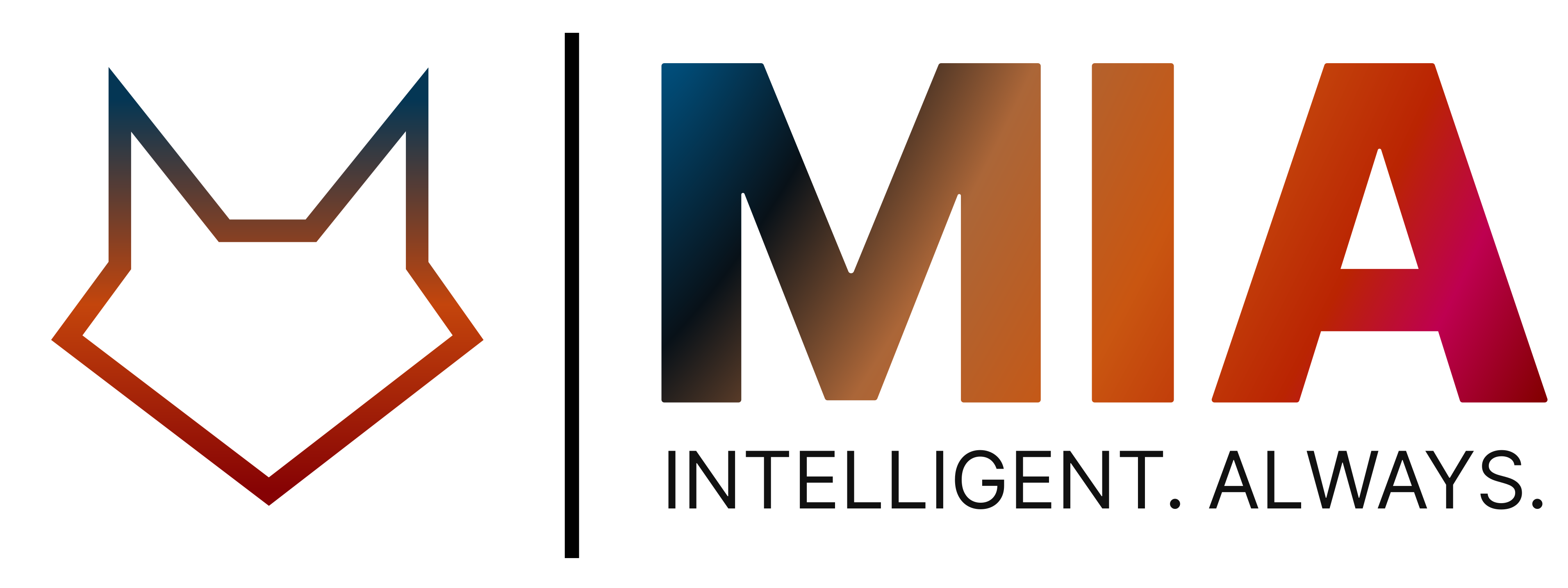
24/7 dental appointment booking by phone, text and chat
Solara lets patients book dental appointments around the clock by phone call, text message or the chat on your website. It checks provider and operatory availability, matches the right service and duration, books the visit in OpenDental and sends a confirmation, without anyone at the front desk picking up.

Included in
- Essentials
- Pro
- Enterprise
Booking by phone, text and chat is included from Essentials. Pro adds smart scheduling and cancellation backfill.
- Patients book at any hour
- 24/7
- Phone call, text message and website chat
- 3 channels
- Provider, operatory, service and duration matched
- Right slot
- Every booking written back automatically
- OpenDental
Key takeaways
- Patients can book, reschedule or confirm by phone, text message or website chat, at any hour.
- Solara checks provider and operatory availability and matches the right service and duration.
- Every booking is written to OpenDental automatically, with no double entry.
- On Pro, smart scheduling prioritises emergencies and campaigns refill cancelled slots.
How can patients book with Solara?
Patients book through whichever channel suits them, and every channel ends in the same place: a confirmed appointment in your OpenDental schedule.
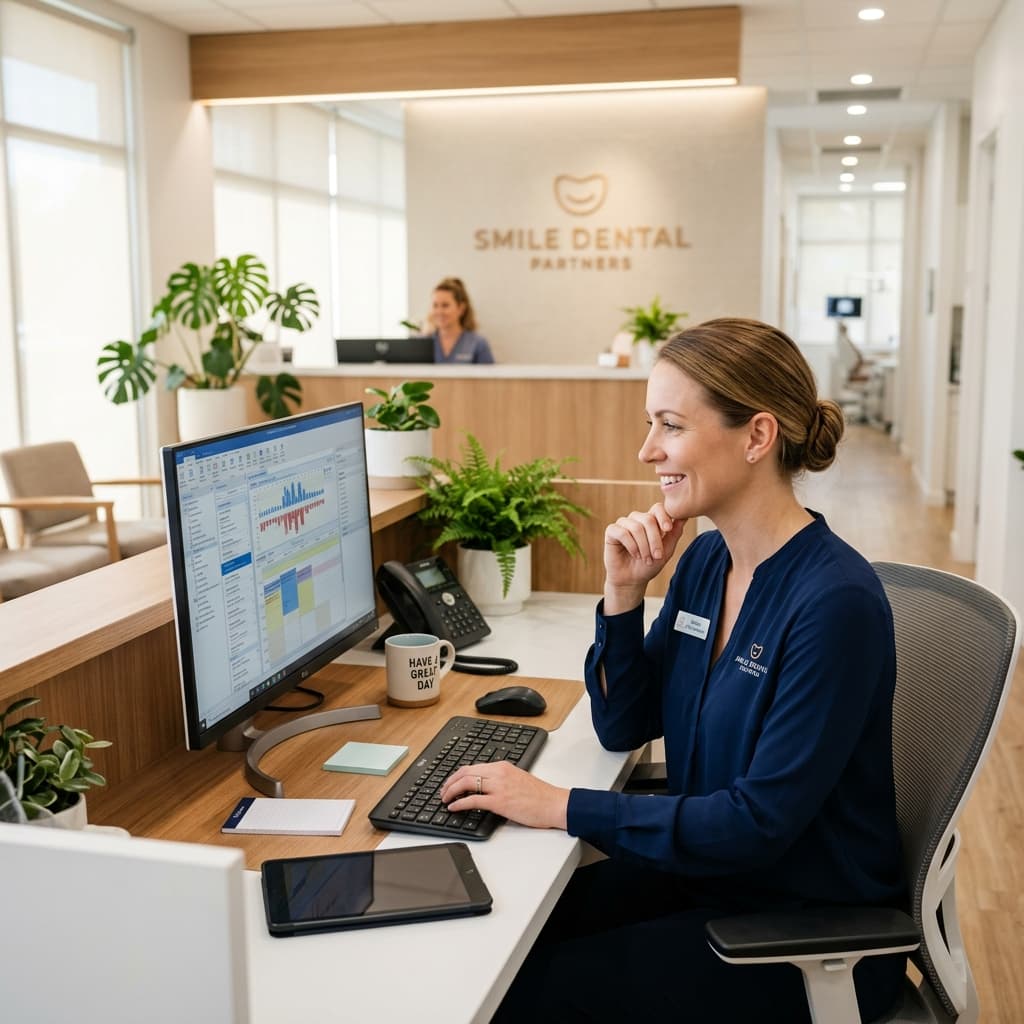
- A phone call answered by the AI receptionist, day or night
- A text message to your practice number
- The chat helper on your website

How does Solara choose the right appointment slot?
Solara checks provider and operatory availability, then books the right service with the right duration, the same way an experienced scheduler would.
On the Pro plan, smart scheduling adds emergency priority and smart durations, so urgent patients are seen sooner and the schedule stays realistic.
Can patients reschedule or confirm by text?
Yes. A patient can text your number and Solara books, reschedules or confirms the visit right in the message thread, then writes the change into OpenDental.
What happens when a patient cancels?
On the Pro plan, campaign generation automatically works to fill cancelled slots, and outbound voice AI can call through your waitlist. Open time is backfilled from your own patient list instead of being left empty.
Online & Text Booking: common questions
Can an AI receptionist book dental appointments?
Yes. Solara Dental AI checks provider and operatory availability, matches the right service and duration, books the appointment, and confirms it - all in a single phone conversation.
Can patients book just by texting?
Yes. A patient can text your number and Solara books, reschedules, or confirms the visit right in the message thread - and writes it into OpenDental.
Does Solara Dental AI work with OpenDental?
Yes. The OpenDental integration keeps patients, appointments, providers, operatories, procedure codes, insurance, and revenue in sync automatically - no double entry.
Does Solara answer calls after hours?
Yes. Solara's AI receptionist answers every call 24/7, including after hours, at lunch and during busy periods, and can book the patient straight into the schedule.
Do patients need to download an app?
No. Patients talk to Solara on a normal phone call, reply by text message, or use the chat on your website. Intake forms open from a secure link in the browser on their phone.
Related parts of the platform
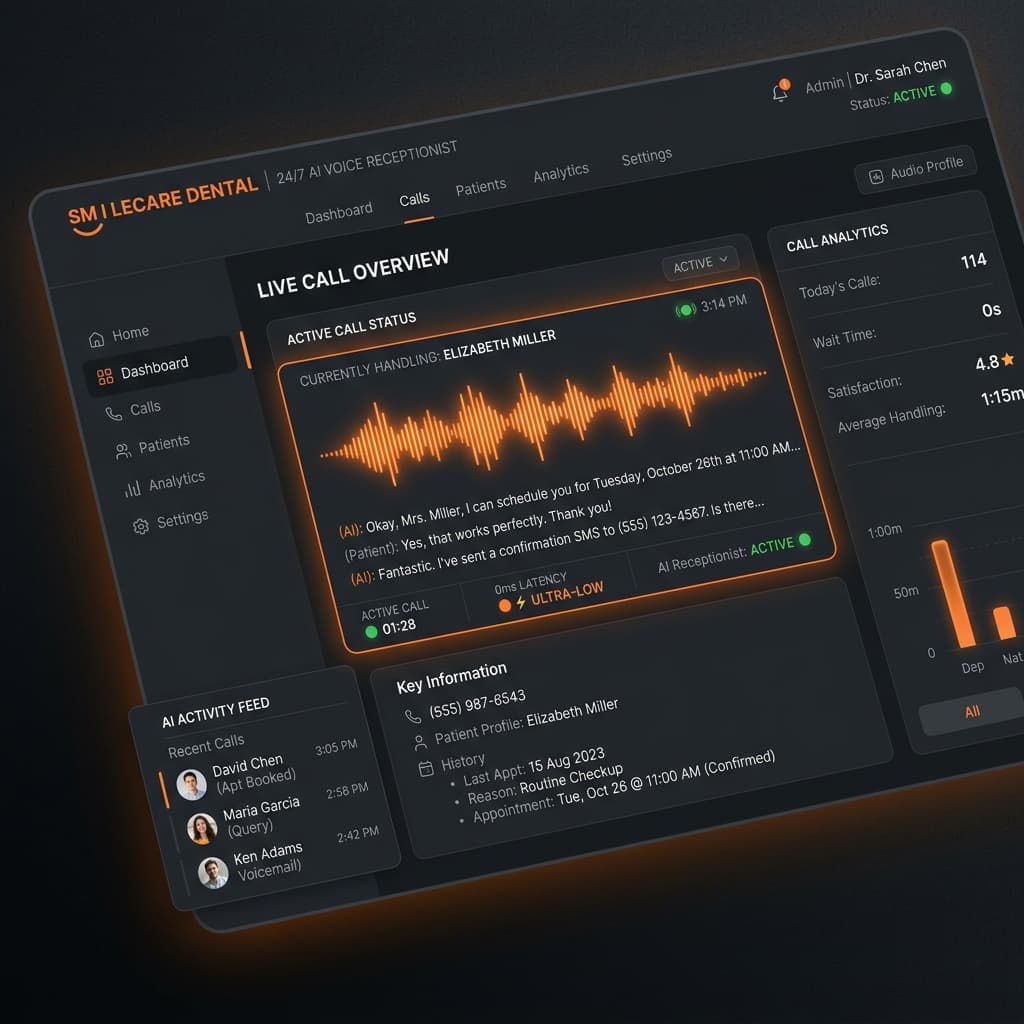 AI ReceptionistAnswers every call 24/7 and books into OpenDental.Explore AI Receptionist
 Appointment RemindersAutomated reminders and confirmations by text and email.Explore Appointment Reminders
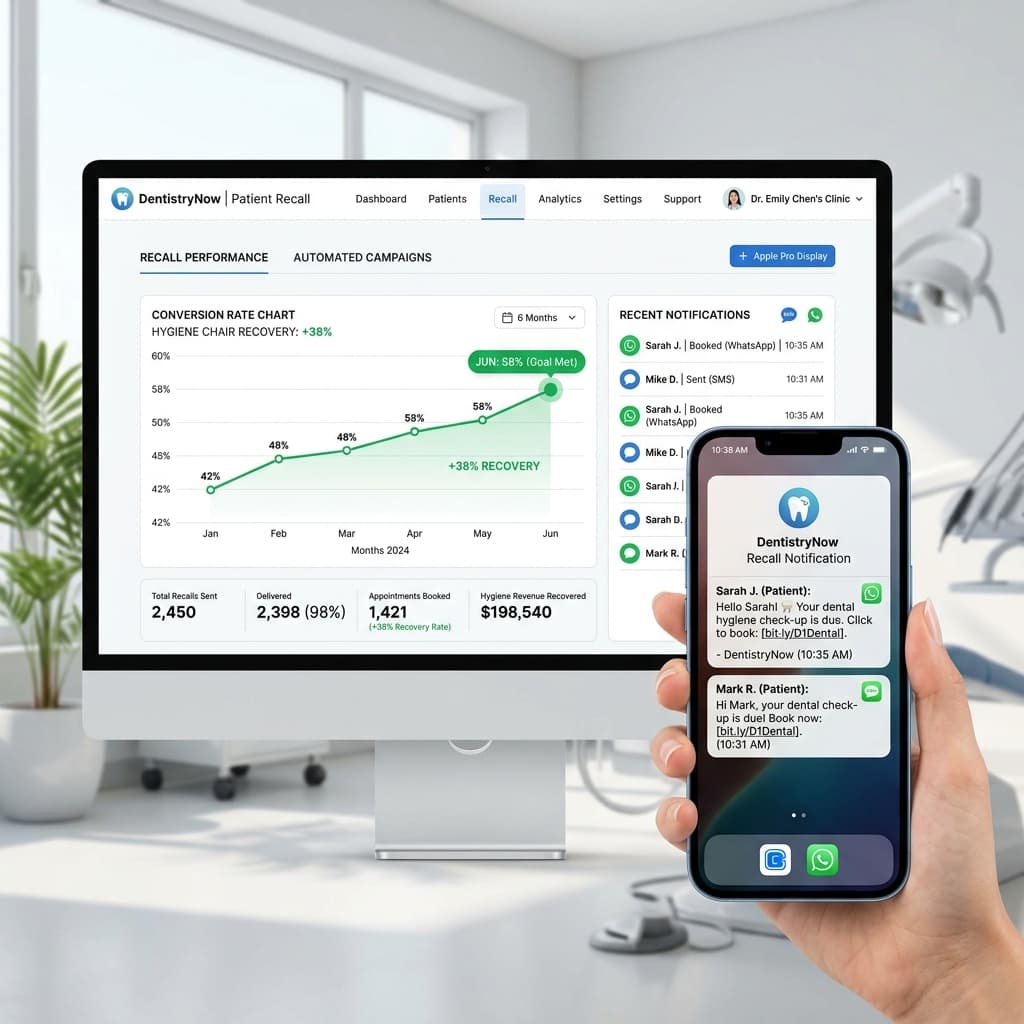 Recall & ReactivationBrings overdue patients back and fills open chairs.Explore Recall & Reactivation
- OpenDental IntegrationTwo-way sync of patients, appointments, insurance and revenue.Explore OpenDental Integration
See Solara run your front office
Book a 20-minute demo and watch a real call turn into a booked, verified appointment in OpenDental.
First 2 months free on Essentials for founding clinics · No setup fee · Cancel anytime