Solara and OpenDental: bookings that land straight in your schedule
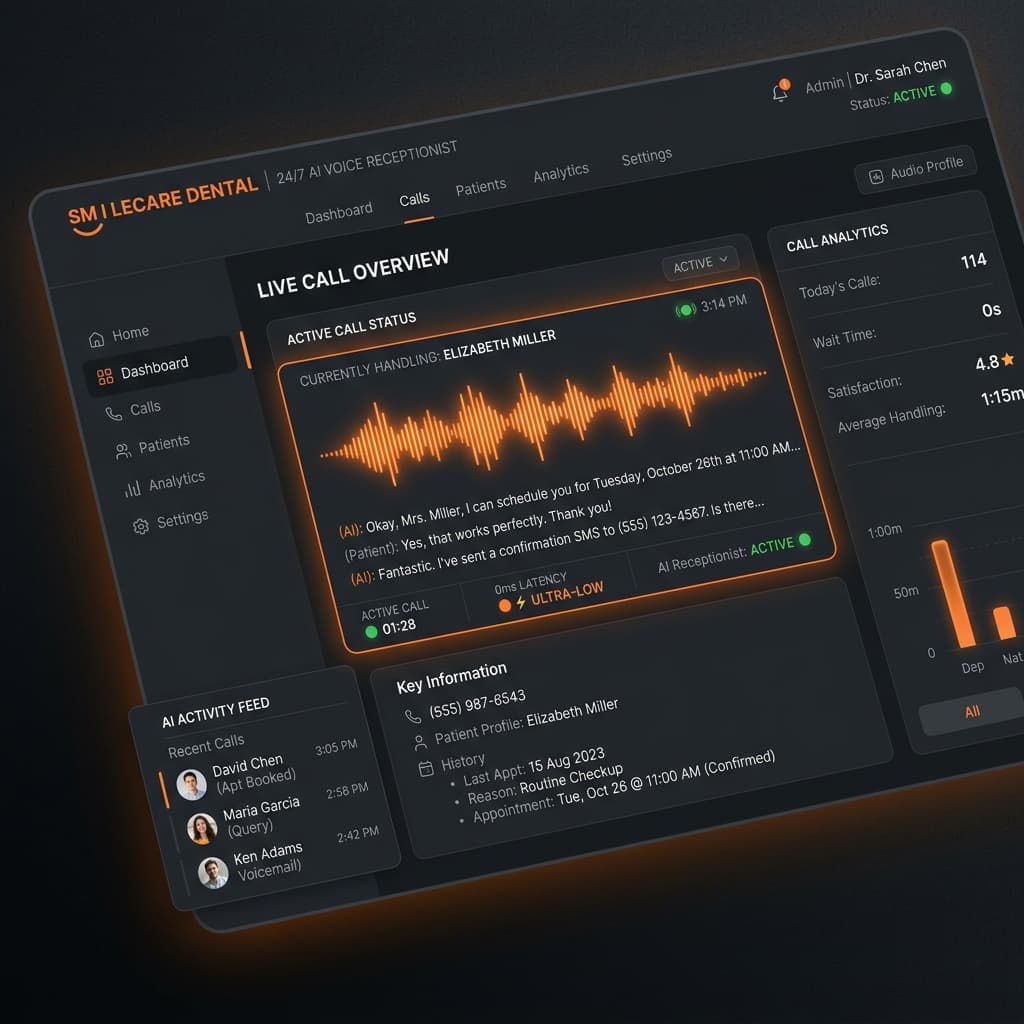
Solara integrates with OpenDental practice management software. It keeps patients, appointments, providers, operatories, procedure codes, insurance and revenue in sync, checks provider and operatory availability before booking, and writes every booking, reschedule and transfer back to OpenDental automatically, so there is no double entry or end-of-day reconciliation.

- Sync between Solara and OpenDental
- Two-way
- Provider and operatory availability
- Checked first
- Every booking, reschedule and transfer
- Written back
- Works with your existing phone number
- Same line
Key takeaways
- Solara reads and writes OpenDental directly, so AI bookings appear in your real schedule.
- Provider and operatory availability is checked before every booking.
- Patients, insurance, procedure codes and revenue stay in sync with no double entry.
- Solara works with your existing phone line; there is nothing new to install.
What does Solara sync with OpenDental?
Solara keeps the records your front office depends on in sync with OpenDental automatically, in both directions, so the schedule and the patient file are always the single source of truth.
- Patients
- Appointments
- Providers and operatories
- Procedure codes
- Insurance
- Revenue
How do AI bookings reach the OpenDental schedule?
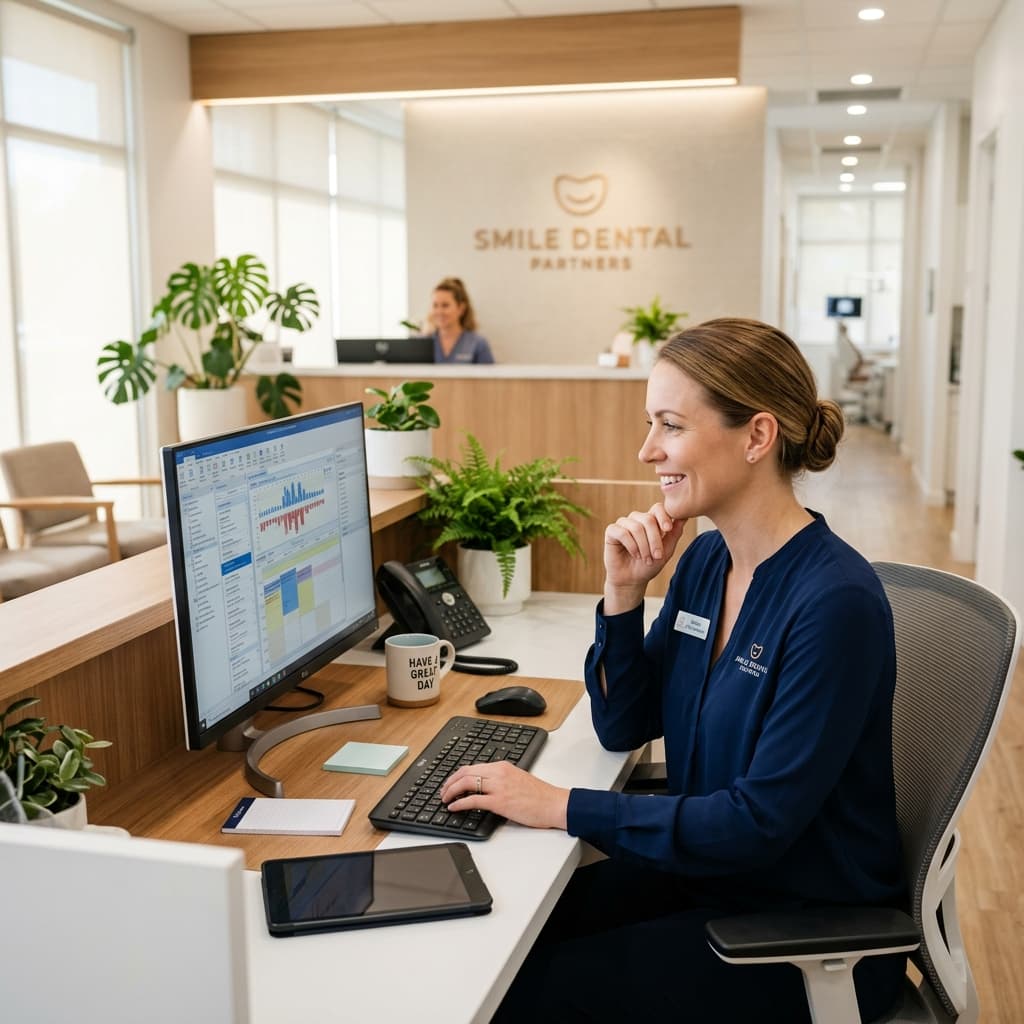
Before booking, Solara checks provider and operatory availability in OpenDental and matches the right service and duration. It then books the appointment, and every booking, reschedule and transfer is written back to OpenDental automatically.
That holds for every channel: a phone call answered by the AI receptionist, a text message, or the chat on your website. There is no double entry and no end-of-day reconciliation.
Do I need to change my phone system?
No. Solara works with OpenDental and your existing phone line. During onboarding you connect your clinic phone number and your OpenDental account, and Solara starts answering on the number patients already know.
What else uses the OpenDental connection?
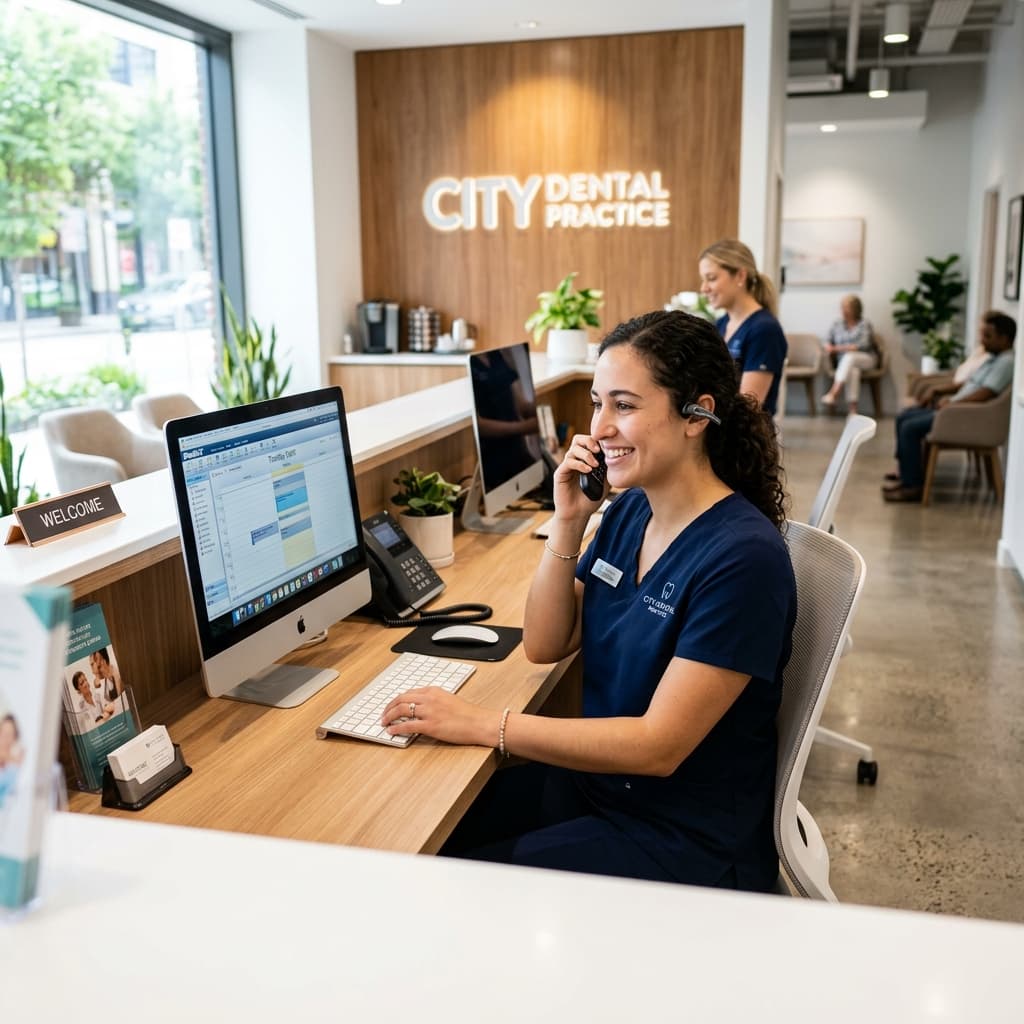
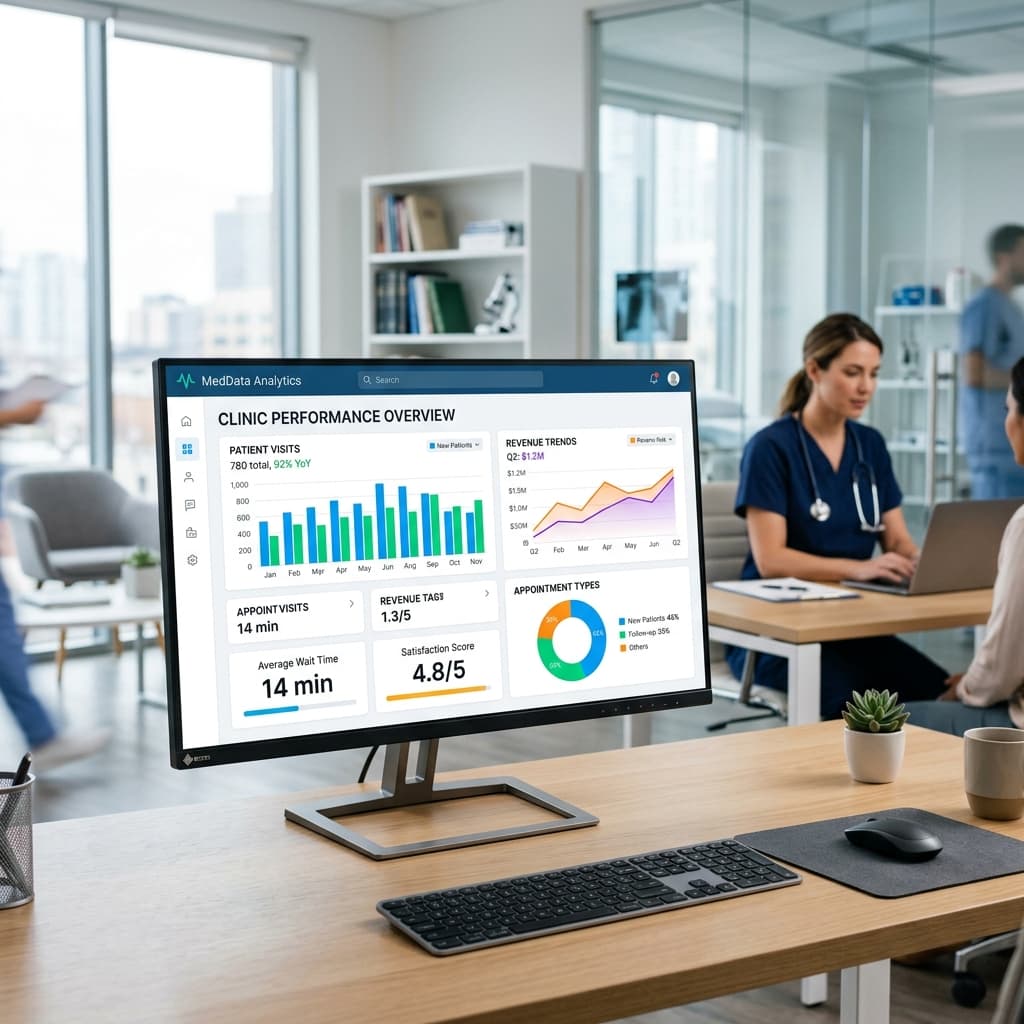
The same connection powers the rest of the platform. Insurance verified at intake is saved to the chart, recall works from your own patient list, reminders reflect the live schedule, and analytics read the revenue and procedure data already in OpenDental.
Does Solara work with other practice management systems?
Solara's practice management integration is with OpenDental. For dental groups, the Enterprise plan adds custom integrations for the rest of your tech stack, scoped during onboarding.
How do you connect Solara to OpenDental?
Connect accounts
Link your clinic phone number and OpenDental during guided onboarding.
Map your practice
Set hours, services, providers and the insurance carriers you accept.
Set permissions
Choose what the AI may do: booking, rescheduling, FAQs, insurance questions.
Test and go live
Run test calls in the preview sandbox, then switch Solara on.
OpenDental integration questions
Does Solara Dental AI work with OpenDental?
Yes. The OpenDental integration keeps patients, appointments, providers, operatories, procedure codes, insurance, and revenue in sync automatically - no double entry.
Which practice management software does Solara integrate with?
Solara integrates with OpenDental, syncing patients, appointments, providers, operatories, procedure codes, insurance and revenue. The Enterprise plan adds custom integrations for the rest of a group's tech stack.
How long does setup take?
We run a guided onboarding: connect your clinic phone number and OpenDental, set your hours, services, providers, and insurance, choose what the AI is allowed to do, then run a test in the preview sandbox and switch it on.
Can an AI receptionist book dental appointments?
Yes. Solara Dental AI checks provider and operatory availability, matches the right service and duration, books the appointment, and confirms it - all in a single phone conversation.
Can patients book just by texting?
Yes. A patient can text your number and Solara books, reschedules, or confirms the visit right in the message thread - and writes it into OpenDental.
What runs on the OpenDental connection


See Solara run your front office
Book a 20-minute demo and watch a real call turn into a booked, verified appointment in OpenDental.
First 2 months free on Essentials for founding clinics · No setup fee · Cancel anytime