
Which front-desk tasks take the most time in an Open Dental practice?
The front-desk tasks that take the most time are the repetitive ones: answering calls to book or move appointments, confirming upcoming visits, working the recall list, filling short-notice cancellations, collecting intake forms and checking insurance. Each is a small job, but together they fill the day and pull staff away from the patients in front of them.
Open Dental already supports most of these tasks in some form. The useful question is not whether to automate, but which parts the software handles natively, which still need a person, and where an outside tool closes the gap.
- Inbound calls to book, reschedule or cancel
- Appointment reminders and confirmations
- Recall outreach to patients who are due or overdue
- Refilling cancelled and short-notice openings
- Intake forms, medical histories and check-in
- Insurance eligibility and benefits checks
What automation does Open Dental offer natively?
Open Dental's native automation comes mainly through its eServices, features the practice signs up for inside the software. Open Dental's manual notes that some of these features require an additional fee, so check its pricing for the ones you plan to use.
- eReminders: automated text and/or email reminders sent a short time before an appointment. Emailed eReminders carry no additional cost; text reminders require Integrated Text Messaging and a per-message fee.
- eConfirmations: a paid service that sends automated texts about upcoming appointments and lets the patient confirm by replying with a code or clicking a link.
- Automated Messaging rules: also cover thank-you messages, arrival messages, Patient Portal invites and general messages sent after an appointment.
- Web Sched: online booking for new and existing patients, plus Web Sched Recall and Web Sched ASAP links for booking a recall visit or claiming a short-notice opening.
- Web Forms: patient forms and medical histories that patients complete online in a browser.
- eClipboard: a tablet app for in-office check-in and forms.
- Electronic eligibility and benefits: real-time insurance checks through a clearinghouse, plus an Insurance Verification List for tracking what still needs checking.
- API: a RESTful interface that lets approved developers read, create and update data in an Open Dental database within granted permissions.
How do Open Dental's scheduling and recall tools work?
Open Dental's Web Sched books appointments into the schedule using rules the office sets up in advance. Web Sched Recall sends patients who are due for recall a reminder with a link to book online. Only operatories marked Is Web Sched are considered, provider schedules must be created first, and the provider is assigned based on the operatory the appointment lands in.
Web Sched New Patient and Web Sched Existing Patient work from appointment types the office creates, which define the reasons a patient can choose, the procedures, the length and the time pattern. Only operatories linked to those appointment types are offered. Web Sched New Patient also checks for an existing record, and if it finds a match, the patient cannot book as new.
For short-notice openings, Web Sched ASAP sends patients on the ASAP List a text or email with a link they can use to accept the opening. Patients must have an appointment or recall marked ASAP, and text messages require a wireless number and permission to text.
The Recall List remains the hub for recall work. Staff use it to send and track reminders by phone, postcard, email or text, and with Web Sched Recall the reminder carries a self-booking link.
How does Open Dental handle intake forms and check-in?
Open Dental handles digital intake through Web Forms and eClipboard. Web Forms lets the office publish patient form and medical history sheets as web forms, which patients open from a URL shared on the practice website, by email or in other ways.
Completed web forms are retrieved into Open Dental and matched to patients by last name, first name and birthdate. With one exact match the form is retrieved automatically, while forms with no match, such as those from new patients, need staff to pick or create the patient. Importing answers into the record is a separate step: the manual tells staff to verify data with the patient first, and subscribers must be verified and added manually.
eClipboard is a tablet app for in-office use. Patients can check themselves in by entering their name and birthdate, and the office can attach specified forms automatically on arrival. Its BYOD option let patients use their own phones, but Open Dental's manual says BYOD is being removed starting with Version 25.1 and points offices to Web Forms in the meantime.
| Task | Native Open Dental option | What automation adds |
|---|---|---|
| Answering calls to book or reschedule | Staff answer and book; Web Sched offers online self-booking | Calls answered at any hour, with the visit booked during the conversation |
| Reminders and confirmations | eReminders by text or email; eConfirmations (paid) by reply code or link | Free-form replies handled in the thread, including reschedules written back to the schedule |
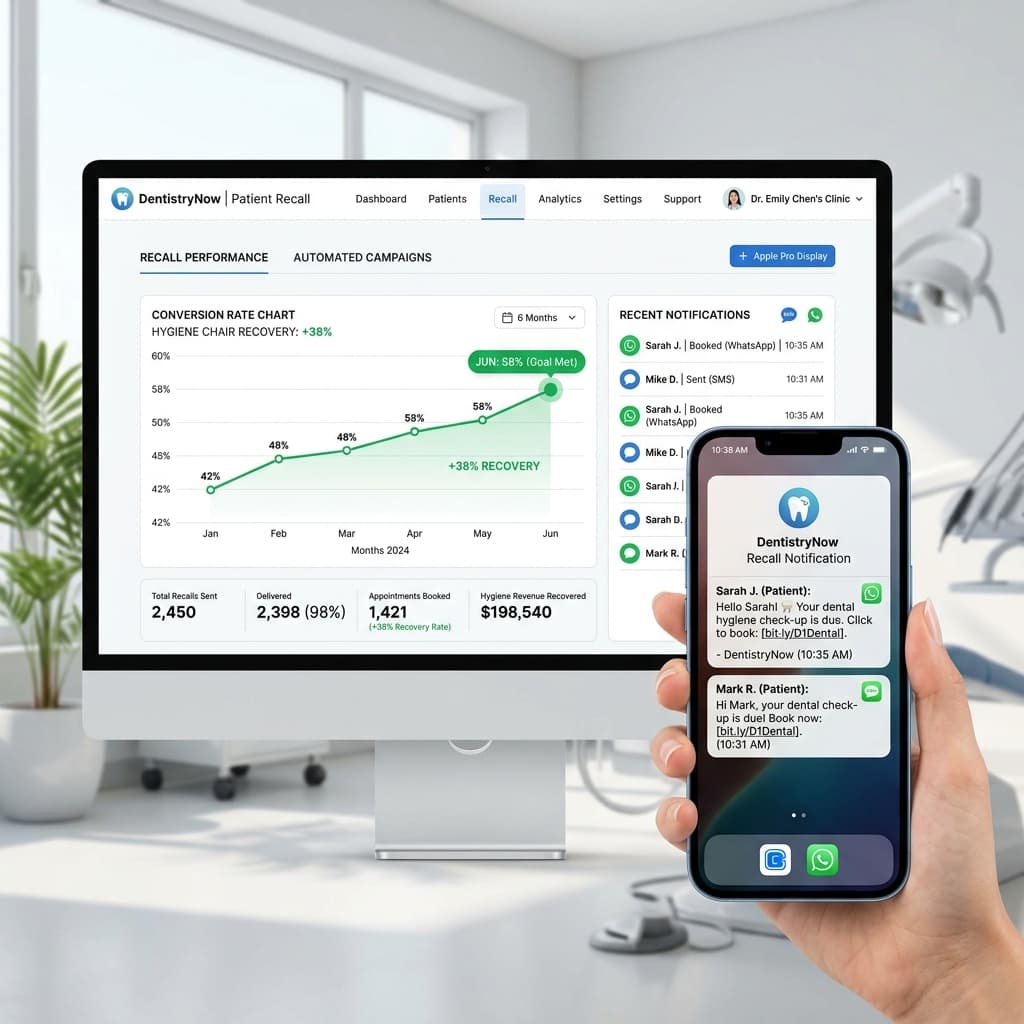
| Recall | Recall List and Web Sched Recall links | Follow-up texts and calls to patients who do not book from the first reminder |
| Short-notice openings | ASAP List and Web Sched ASAP links | Campaigns that work through waiting patients to refill cancelled slots |
| Intake forms | Web Forms and eClipboard check-in | Form link sent automatically when a visit is booked |
| Insurance checks | Electronic eligibility and benefits via a clearinghouse; Insurance Verification List | Eligibility checked automatically at booking and saved to the chart |
| Connecting other software | API with developer and customer keys and set permissions | Tools that read and write schedule, patient and insurance data within those permissions |
Where do outside automation tools fit with Open Dental?
Outside tools fit where a task needs a live conversation or a hand-off between steps. Open Dental's eServices are built around scheduled messages and self-service links; a conversational tool can answer a phone call, understand the request, check availability, book the visit and send the intake link in one flow.
Common fits include answering calls when the front desk is busy or closed, handling text replies that are more than a yes or no, following up with patients who ignore a recall link, and starting intake and insurance checks the moment a visit is booked. Each should build on the rules already configured in Open Dental, not work around them.
Outside tools connect through Open Dental's API. Developers request access to specific API resources with read, create or update permissions, and every request carries a developer key and a customer key. The office enables the API in Setup and adds the key, and Open Dental recommends having a business associate agreement with the developer before entering it.
How should you evaluate an Open Dental integration?
Evaluate an Open Dental integration on what data it reads and writes, whether it follows your scheduling rules, how it handles exceptions and how you can test it before going live. Ask the vendor to show each one in a demo rather than describe it.
- Read and write access: ask which API resources the tool uses and whether it reads, creates or updates each one. The office can view the permissions granted to a key but cannot change them.
- Scheduling rules: confirm the tool respects provider schedules, operatories, appointment types and lengths, and never books outside the slots your team would offer.
- Write-back: check exactly what the tool writes into Open Dental, such as appointments, patient records or notes, and where staff will see it.
- Exceptions: ask what happens when a patient match is uncertain, a slot is taken at the same moment or the tool cannot answer a question.
- Testing: run the tool in a sandbox or test setup with realistic scenarios before it touches the live schedule.
- Security: sign a business associate agreement and ask how patient data is encrypted, stored and logged.
How do you roll out automation without disrupting the front desk?
Roll out automation one task at a time, starting with the job that costs your team the most interruptions. Turning everything on at once makes it hard to see which change caused a problem.
Keep a person in the loop for the first weeks. Review every booking the tool makes, compare it with how your team would have scheduled it, and adjust settings before widening what the tool is allowed to do. Tell staff which tasks the tool now owns, so nobody double-books or double-texts a patient.
How does Solara work with Open Dental?
Solara is an AI front office that integrates with Open Dental. It syncs patients, appointments, providers, operatories, procedure codes, insurance and revenue, and writes bookings back to Open Dental, so there is no double entry.
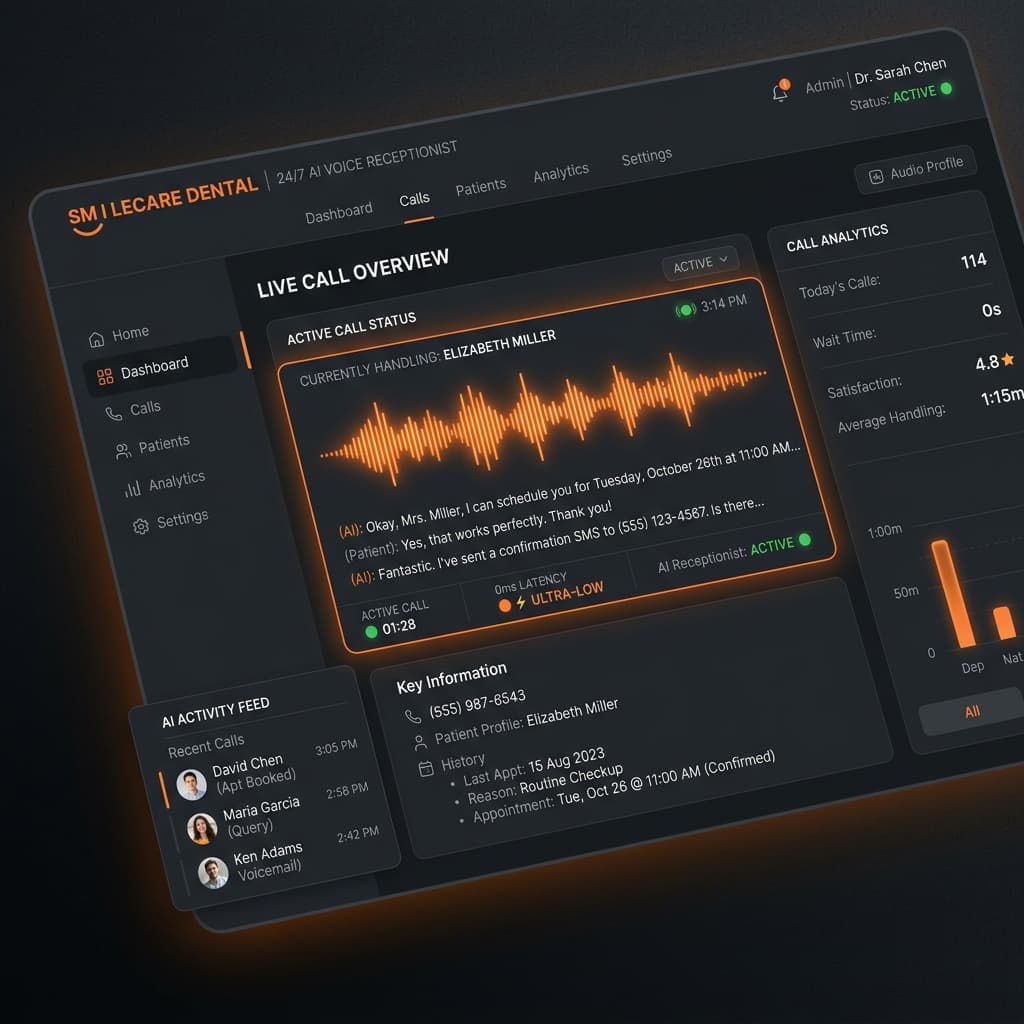
It answers calls on your clinic phone number around the clock, books by phone, text or website chat after checking provider and operatory availability, sends reminders and confirmations, texts a secure intake link when a visit is booked and checks insurance eligibility at intake. Calls that need a person are transferred to your team with a summary.
Setup is a guided onboarding: connect your clinic phone number and Open Dental, set hours, services, providers and insurance, choose what the AI is allowed to do, then test in the preview sandbox before switching it on.